Hi Michael, Any thoughts on incorporating AI into Spamsieve to enhance categorizing the level of Spamminess? Recently I’m flooded with hundreds of Spam emails that appear to be written by AI to use words that don’t normally trigger being flagged as spam.
I’d like to delete and empty trash everything that is high probability of being Spam so I don’t have to scroll down through it all. It’s hundreds to thousands per day for my systems. Was hoping maybe AI could help identify known AI created Spam.
SpamSieve is already using AI (but not LLMs, if that’s what you’re referring to). Are the messages already being correctly categorized as spam but you disagree with SpamSieve about the level of spamminess?
Yes, SpamSieve is catching 99% but level of spamminess seems kinda random. It could be since I’ve not retrained in a while. My goal currently is to never see the “100% sure it’s spam” by deleting not just move to trash by using a mail rule. I don’t want to throw shade on SpamSieve at all since it does a great job. I’m just trying to avoid that daily look through the hundreds for false positives.
I completely agree with your request.
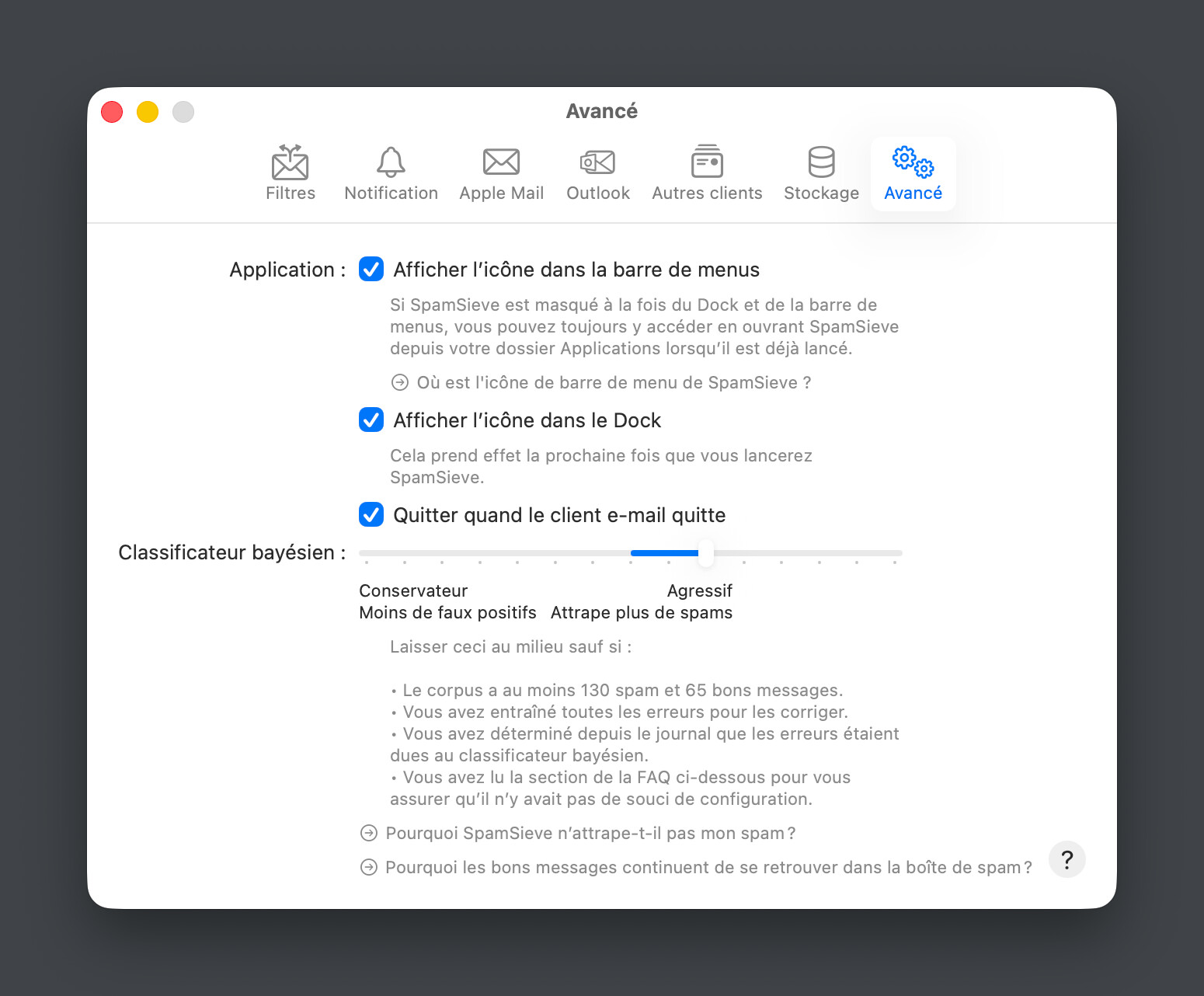
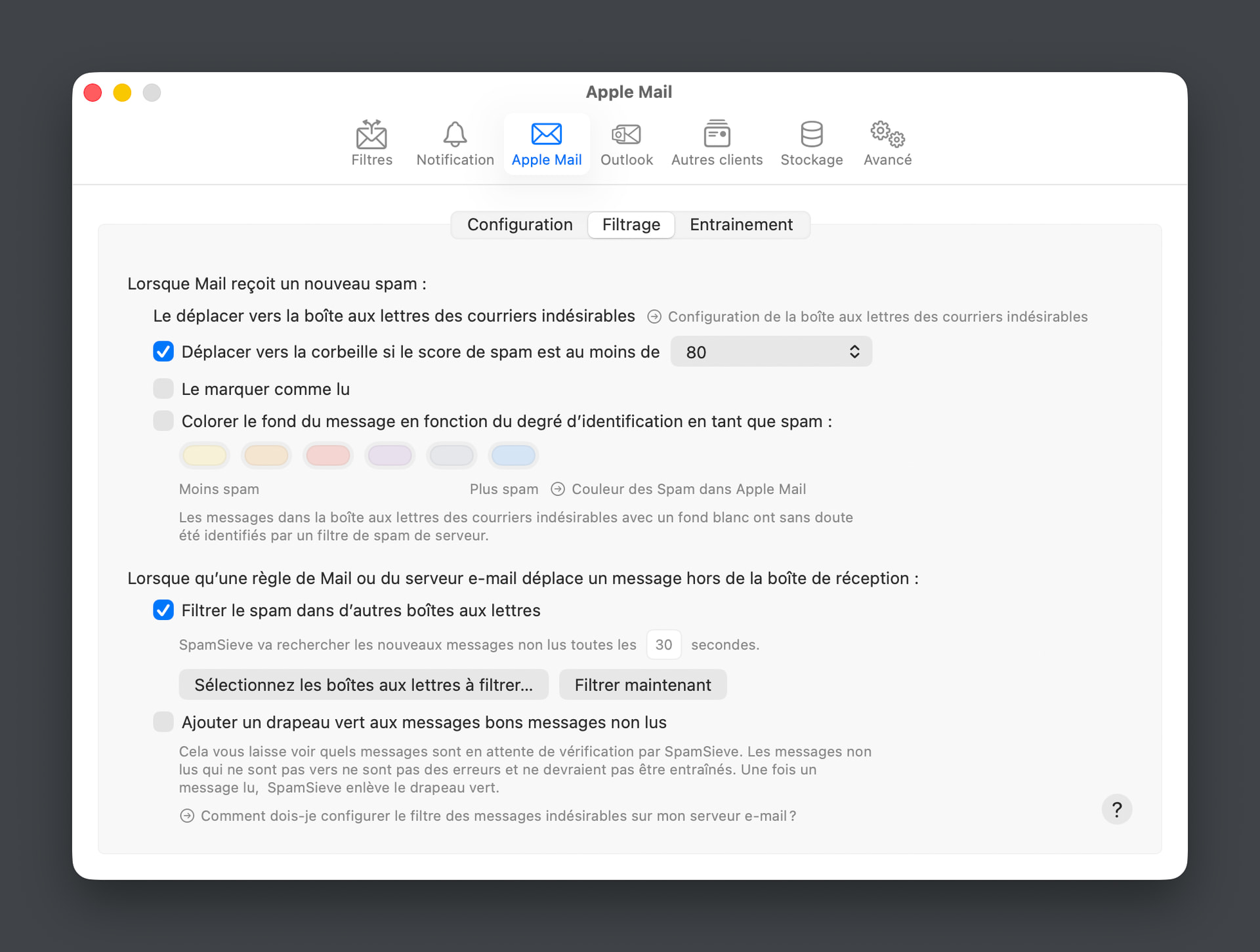
I’ve set the SS score to 80; in the filter tab, all options are checked; in the Apple Mail tab, I move messages to the trash if the score is greater than 80.
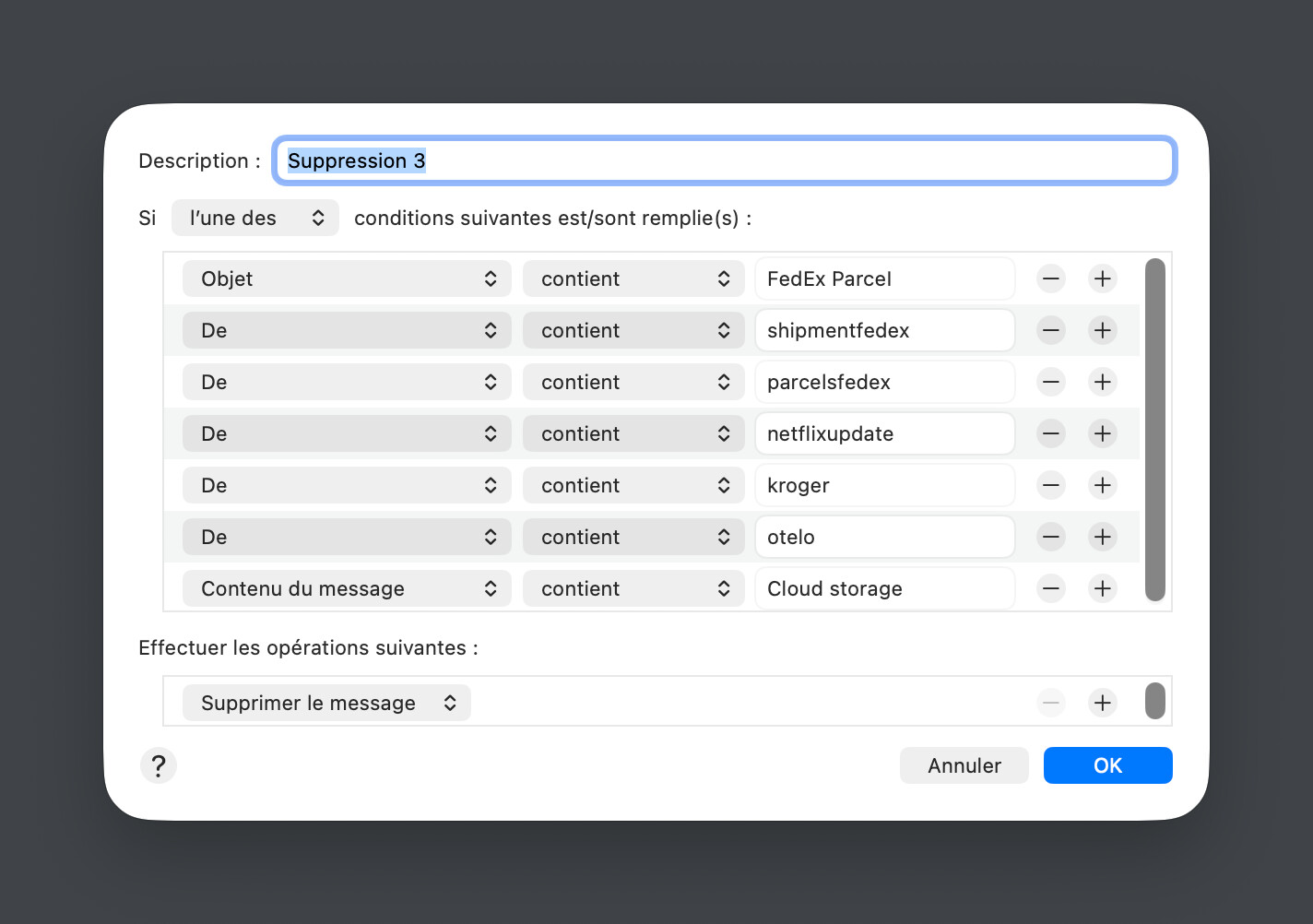
Then, when the trash contains recurring spam on a specific topic, I add an automatic deletion rule. It’s imperfect and tedious, but I haven’t found a better solution.
It would be helpful to have an additional feature in SS with a list of keywords (based on AI analysis) that would trigger automatic deletion.
It sounds you’re both saying that SpamSieve’s levels are already working, in that it’s detecting the messages as more spammy and moving them to Trash instead of Junk. There’s currently no option to delete messages instead of moving them to Trash, but that’s due to limitations of Mail’s extension API and AppleScript support, not related to AI. I’m investigating workarounds for that.
Are you wanting to have three spam levels (Junk, Trash, delete)? Or do you just want Junk/delete?
With my current system, SS either sends an email directly to the trash or doesn’t. The junk folder is used only by Mail itself. So, for SS, all I need is for detected spam to be moved to the trash (current situation) or deleted (as with my method)
Ideally, we’d have an editable file where we could enter keywords, phrases, email addresses (or parts of email addresses) that would automatically delete the email. This would bypass the need to use Mail’s rules, where you have to enter a separate reason for deletion for each rule.
Are you saying that you want all spam caught by SpamSieve to be deleted or that you still want two levels (Trash, delete) but different from the current two (Junk, Trash)?
Like SpamSieve’s Blocklist, but you would want to mark certain rules for deleting messages? Or all the rules would delete messages?
There are two types of spam detected by SS: those that meet the current criteria, and among those, the ones I’m so sure about that I want to delete them immediately without even looking at them (my method involves using Mail rules that take effect after SS’s rules, sending them straight to the trash).
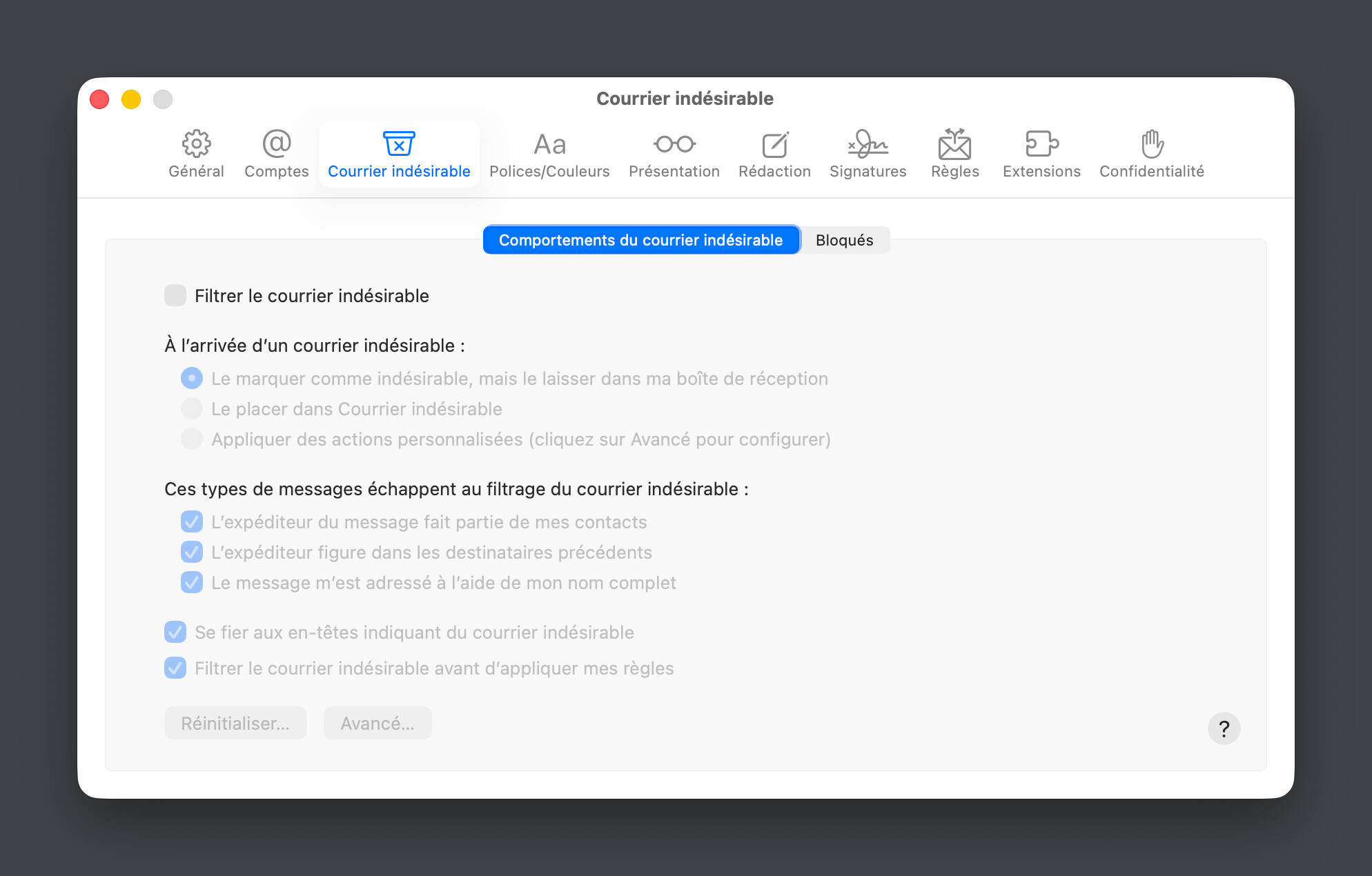
I guess this is why I was confused about what you were doing because Mail rules take effect before SpamSieve. (Unless you are using the plug-in setup with macOS 13 or earlier, in which case you can have Mail’s rules act after SpamSieve but that’s strongly discouraged because it can mess up the training.) So, currently, you only have SpamSieve moving messages to Trash, but in the future you want it to delete some messages—and do what with the rest of the spam?
Like Vincent I too have setup mail rules to send to trash based on certain words from within Mail.
I am using SS as drone on a MacMIni server to spamcheck 6 email accounts. To its credit SS does catch these words and sends them to designated mail trash folder.
I hated going into two separate folders Trash and Spam, so made an AppleScript that runs as a chron job every five minutes, that moves all Apple Junk Mail to the Trash folder to combine with Spamsieve positives. I can then look in one folder for false positives.
Like Vincent I’ve created about 450 Apple mail rules that automatically delete emails with known words. That reduces the trash folder load by a ton as to not require me looking at it. But there are still days with a hundred or multiples of that in trash. Many are close variations of each other, with different words being used. The spam uses known companies to send apologies, credits, and are clickbait traps if I hover over the click URL.
My initial thought was if AI could somehow find those similar spam worded emails and forever delete them. My other option is to let my trash folder just grow and look just once a week for false positives. Problem is, I do find some, so I’m paranoid and look every day.
Sorry for long winded note. Was thinking maybe AI with LLM could help cull out the garbage.
But bottom line, SpamSieve is a godsend and works great. My inboxes are very clean. It’s that task of me looking through what slipped through that has become a 10-15 minute ritual every day.
Thanks for explaining. It sounds like you want two things:
A way to create SpamSieve blocklist rules to fully delete messages, so you don’t have to manage so many rules in Mail. (I know its interface kind of breaks down with lots of rules/criteria.)
A way to do a second pass on messages that SpamSieve has already classified as spam, so that if it later turns out that many of them were quasi-duplicates they can be deleted without human review.
Yes, both goals does sound good. One thought, however. I’m not sure if you can grab the junk mail that Apple Mail already moved to that folder and delete with same rules, that would be fantastic and hopefully eliminate creating mail rules.
I’ll try. Thanks for pointing that out. I’m still in doubt on the settings between Mail and SS are related and who does what. Your guides are good. I’ll read them again.