I am using DropDMG v3.7.1 on macOS 12.7.6 to build a .dmg file.
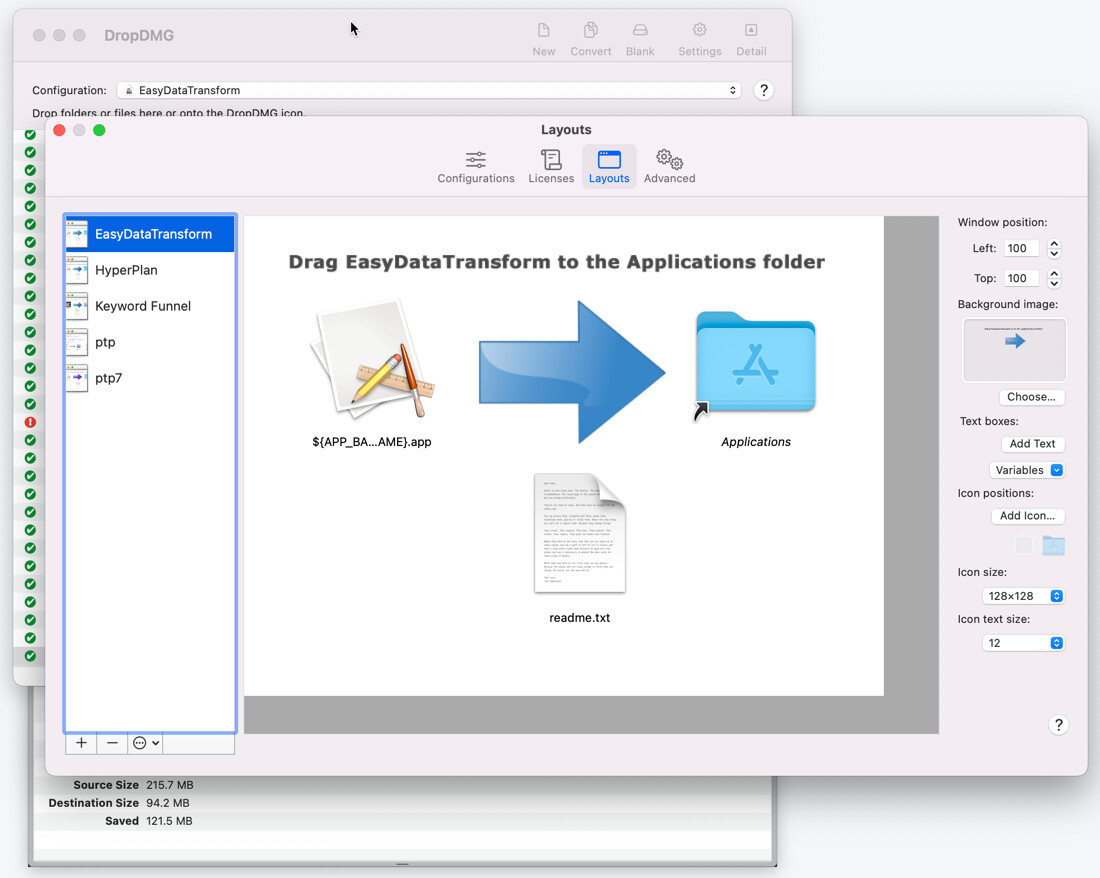
My layout looks like this:
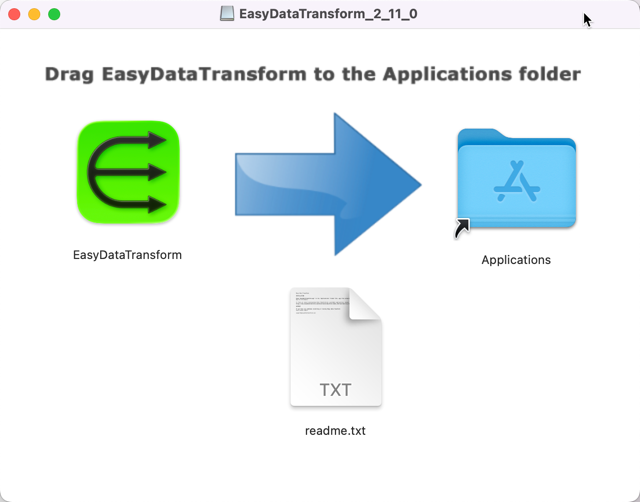
When I open the .dmg file on macOS 12.7.6 it looks fine:
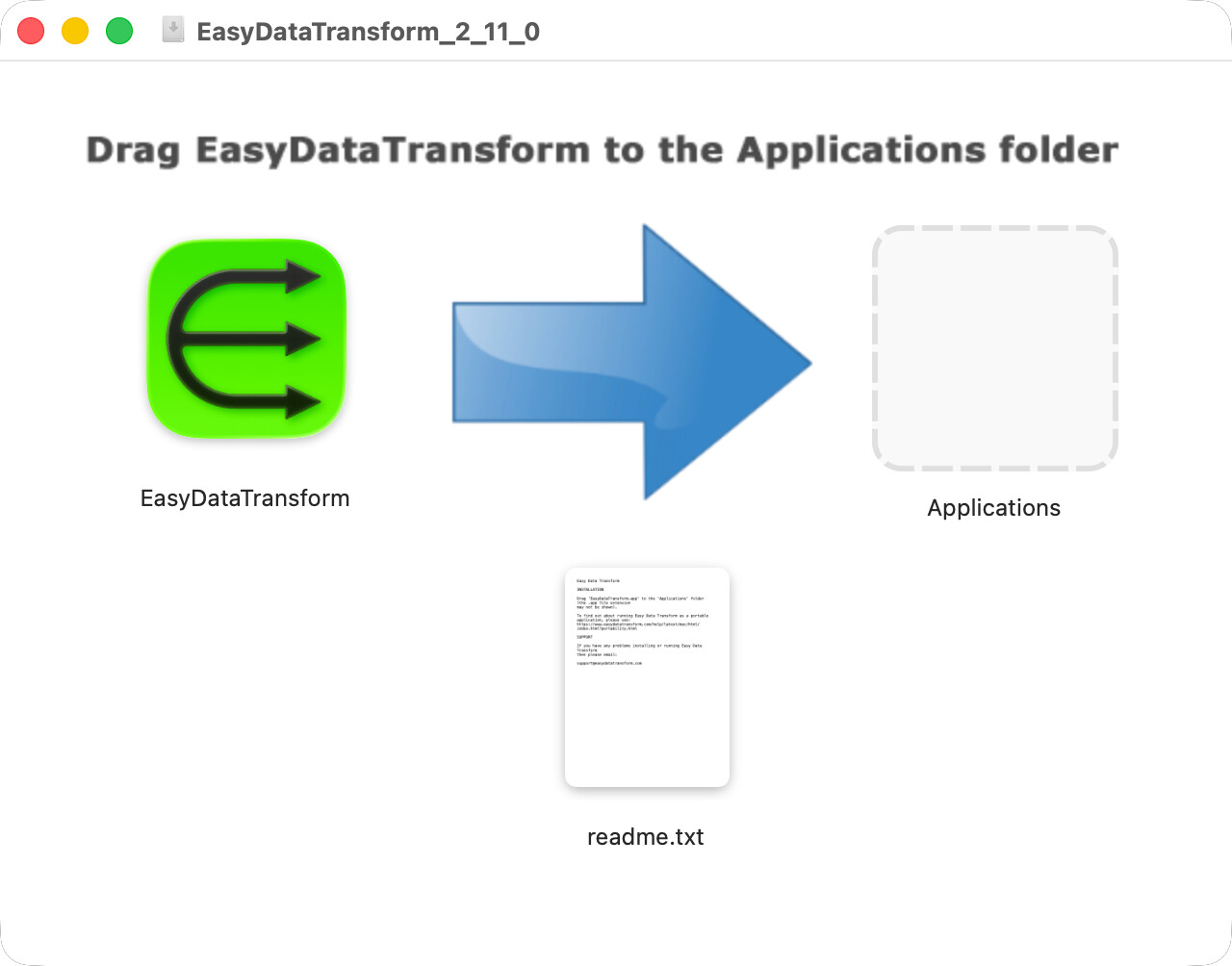
But, if I open it on macOS 26 the ‘Applications’ folder icon appears briefly and then is hidden:
I read in the help about making sure to drag the ‘Applications’ folder not an alias. It tried dragging it from ‘Volumes’ and ‘Macintosh HD’ onto the Layout window using Finder, but that didn’t help.
I am running DropDMG from the command line:
dropdmg --config-name EasyDataTransform EasyDataTransform_$VNUM
Any ideas?
Putting aside how the icon looks on Tahoe, does it open the right folder if you double-click it?
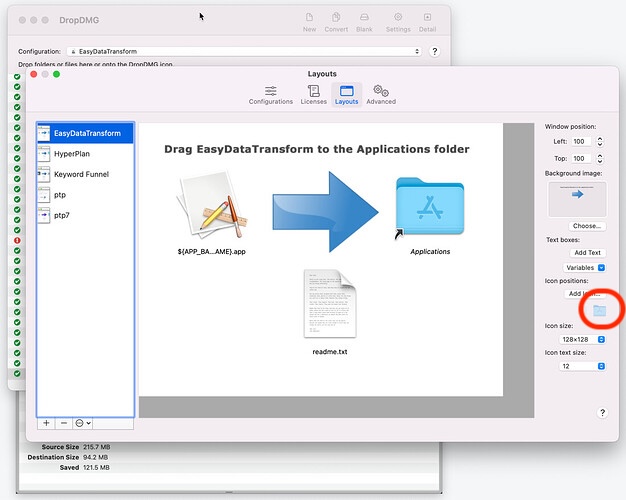
In order for DropDMG to create the special Applications folder symlink, please click the button rather than trying to add it like a normal file.
Yes. It works fine on macOS 12 and 26. It just looks wrong on macOS 26.
I tried that. It didn’t help.
The DMG file is here, in case that helps:
https://www.easydatatransform.com/downloads/EasyDataTransform-icon-issue.dmg
Your DMG looks fine to me on both Sequoia and Tahoe. I wonder if this is just an icon caching issue on your Tahoe Mac.
Possibly. I will ask some customers what they see. Thanks.
Other people don’t seem to be having the same issue. So it looks like it just an issue on my test machine. Thanks for the fast response.