I have been trying to back up individual folders using EagleFiler without losing the original creation and modification dates set by Outlook Mail for Mac for the past week with no success but plenty of frustration. After checking a number of posts regarding this subject, I still have not been able to backup the folders without losing the original dates. I have switched my Outlook to the legacy version and followed steps outlined in a variety of blogs that state the process they outlined will work, I have not had any success.
I am hoping someone has a solution and can get me on the right track.
Could you explain which dates you’re referring to, perhaps with a screenshot? When I look in Outlook, I don’t see “creation” or “modification” dates. I see “Date Received” and “Date Sent,” which are usually the same. When you import from Outlook into EagleFiler, it should be showing the received date from the message’s headers.
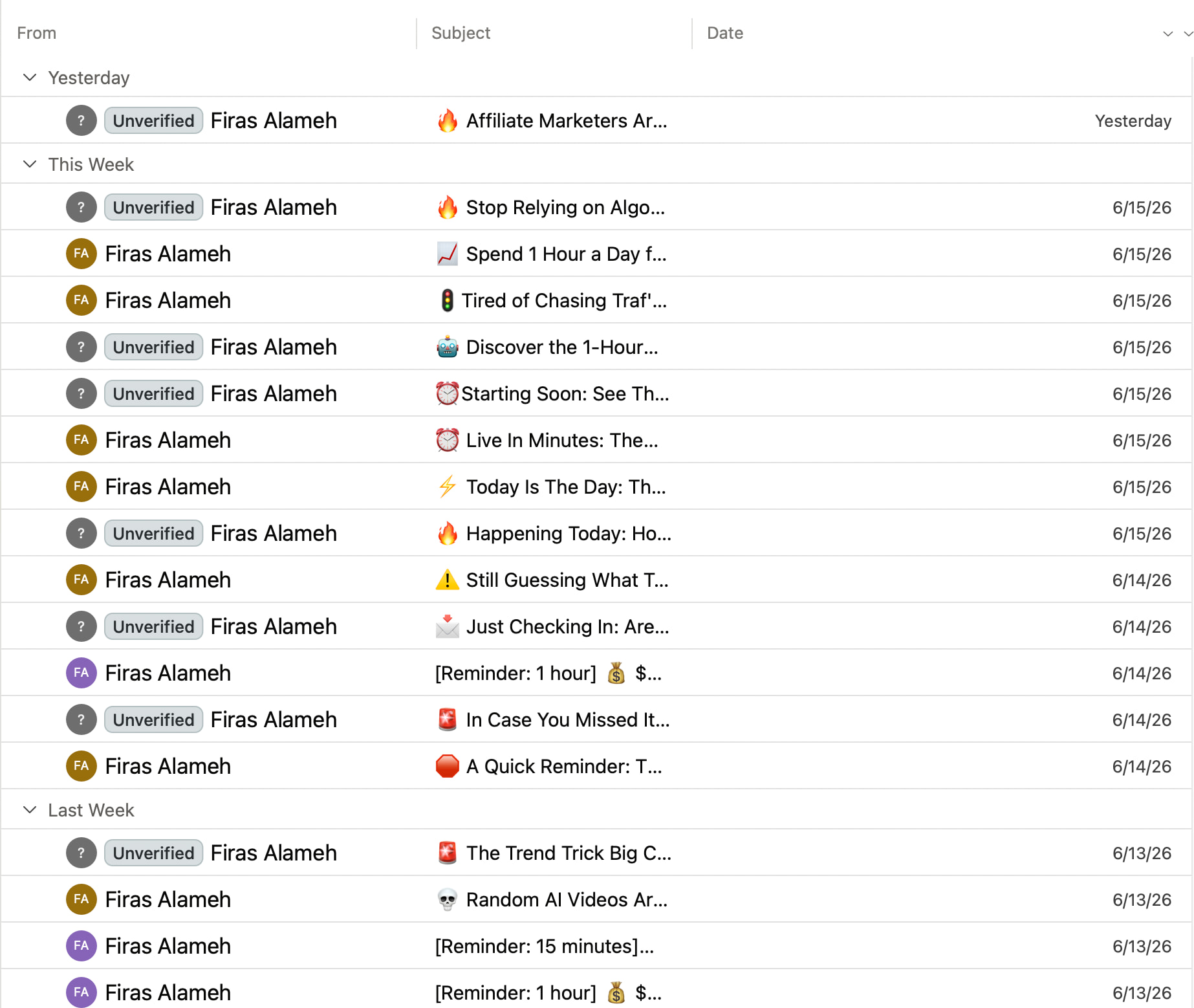
Michael, sorry for the incorrect information. I was thinking Outlook but looking at a OS/X Finder screen. What I meant was that the Date of every email (see attached below) is being lost and replaced by the date and time when the backup to EagleFiler occurs. Those dates are important to me to keep sequences and activities in order when I need to refer to the emails in a particular folder.
For me, the dates in both EagleFiler and Finder are shown as the date of the e-mail, not the date of the import. Could you please tell how you are importing from Outlook to EagleFiler and show a screenshot of where you are seeing the incorrect dates?
I don’t know what I had been doing wrong but I went back through the steps and it worked perfectly. The email folder was backed up into the Eagle Filer library I had set up and there was no problem with the dates. They transferred correctly. Pretty amazing, actually. I have been looking for a way to backup Outlook emails for a long time and I am glad I found Eagle Filer.