This is an easy one! How do I capture selected text to a new record? For example these instructions for locating Eagle Filer Library
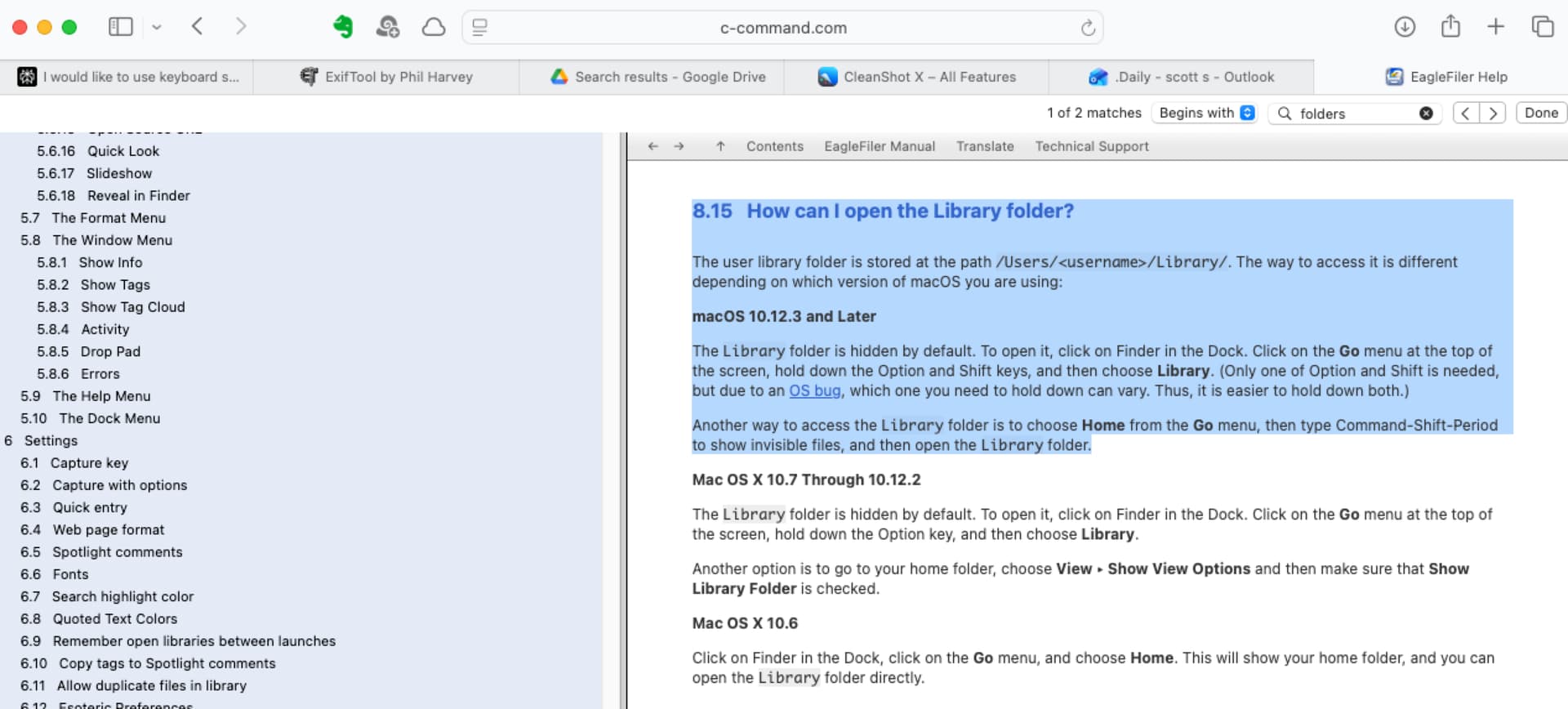
Since you’re already in the manual, check out the Importing Text Snippets section.
1 Like
Thanks - I told you it was an easy question!
When I attempt quick entry, the selected text is not in the quick entry field and it’s also not on my clipboard so I cannot paste it in. So I guess that I will copy first, quick entry next, paste next.
I could also drag and drop into the Drop Pad. When the text comes from apple notes, it’s saved as an rtf but when the text comes from safari it’s saved as web archive…which I guess doesn’t matter, but I don’t typically like to keep web archives because of issues with other computers.
Yes, Quick Entry opens up a blank window. If you want the selected text, instead of copying/pasting you could just use the system service hotkey (Command-Shift-1) instead of Quick Entry.
The ImportTextAsWebArchive esoteric preference can be used to change this to RTF if desired.