I just updated your spam sieve app and the instructions for Mail are very confusing to the point, honesty of being complete gibberish.
Below is what I see. I’m sorry, but the instructions under Enable spam filtering make no sense nor can I find anything that says “Select Mailboxes to filter”. Can you just tell me which I should use? It seems that Disable means to enable spam sieve and Enable means to enable Mail junk filtering in Mail with some extension? What extension? Is this something additional? Is it already installed?
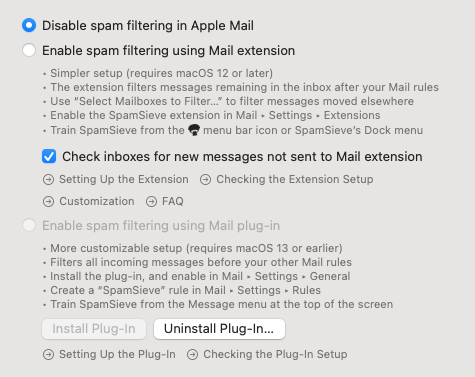
Did you read the actual instructions (which are also linked via Setting Up the Extension and ? buttons in the window) or are you referring to the summary text in your screenshot?
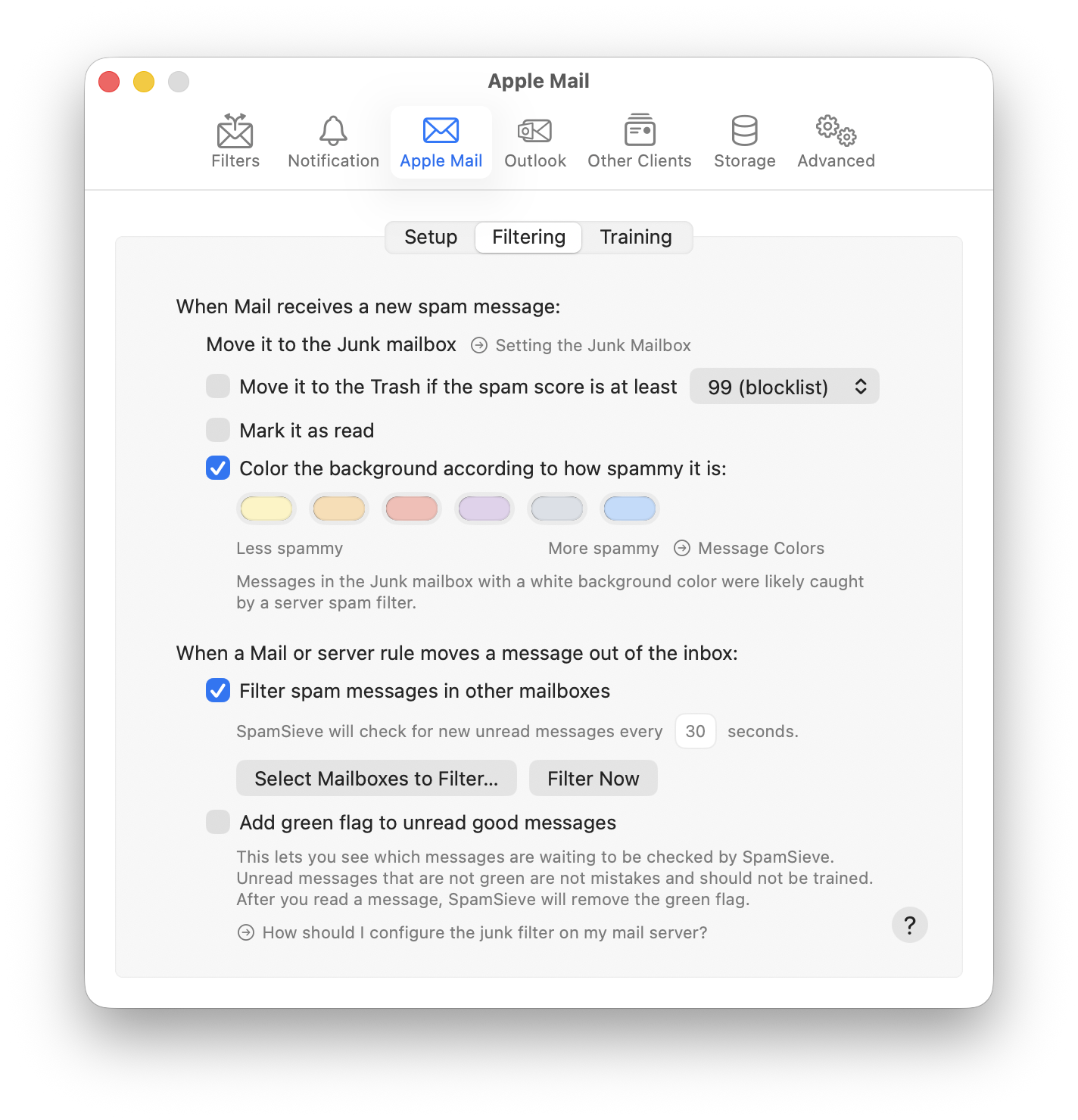
It’s on the Filtering tab of the window:
There are two choices available on your Mac: Disable (which means to turn off filtering) and Enable (which means to turn on filtering). You want Enable.
No, Disable means to disable SpamSieve.
It means to enable filtering in Mail using SpamSieve.
The SpamSieve extension.
No.
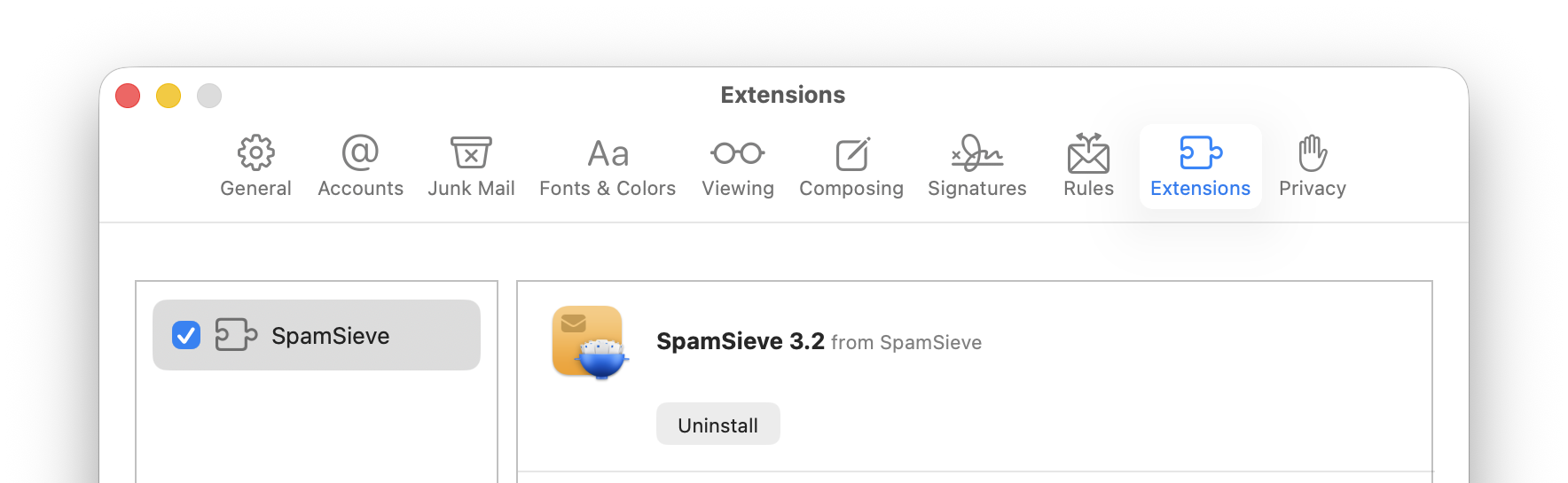
Yes. You just need to “Enable the SpamSieve extension in Mail ‣ Settings ‣ Extensions” as shown in your screenshot. It looks like this: