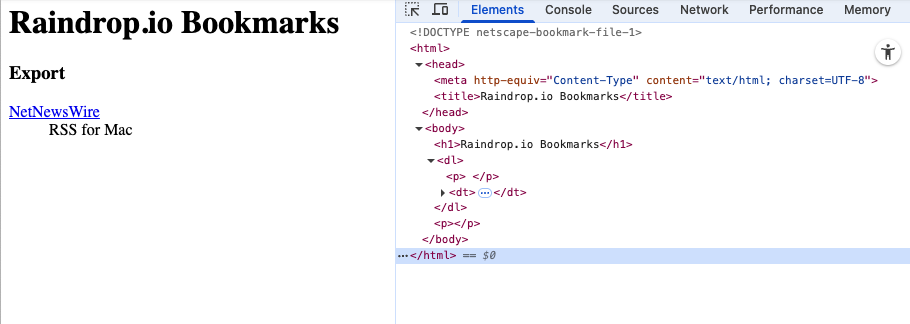
I capture a lot from iOS Safari. Doing a share sheet from safari to Raindrop.io seems to be the easiest for me and any tags or notes carry over to EagleFiler when I import the Bookmarks file every few weeks. One small thing though…how would you prevent/clean all the Export folders in EagleFiler?
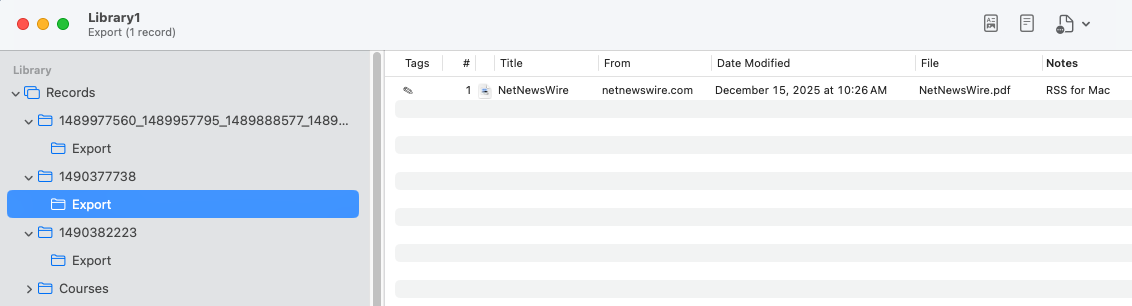
You can delete this thread. I’m just going to drag the records out of the Export folder and then delete the Export folder. I’m realizing that I am not going to do this more than a few times a month.
It looks like the Import Bookmarks… feature is creating the folder because the exported file has the links organized into such a folder. Maybe there’s a way you can export from the top level instead? Or perhaps configure Raindrop not to export folders?