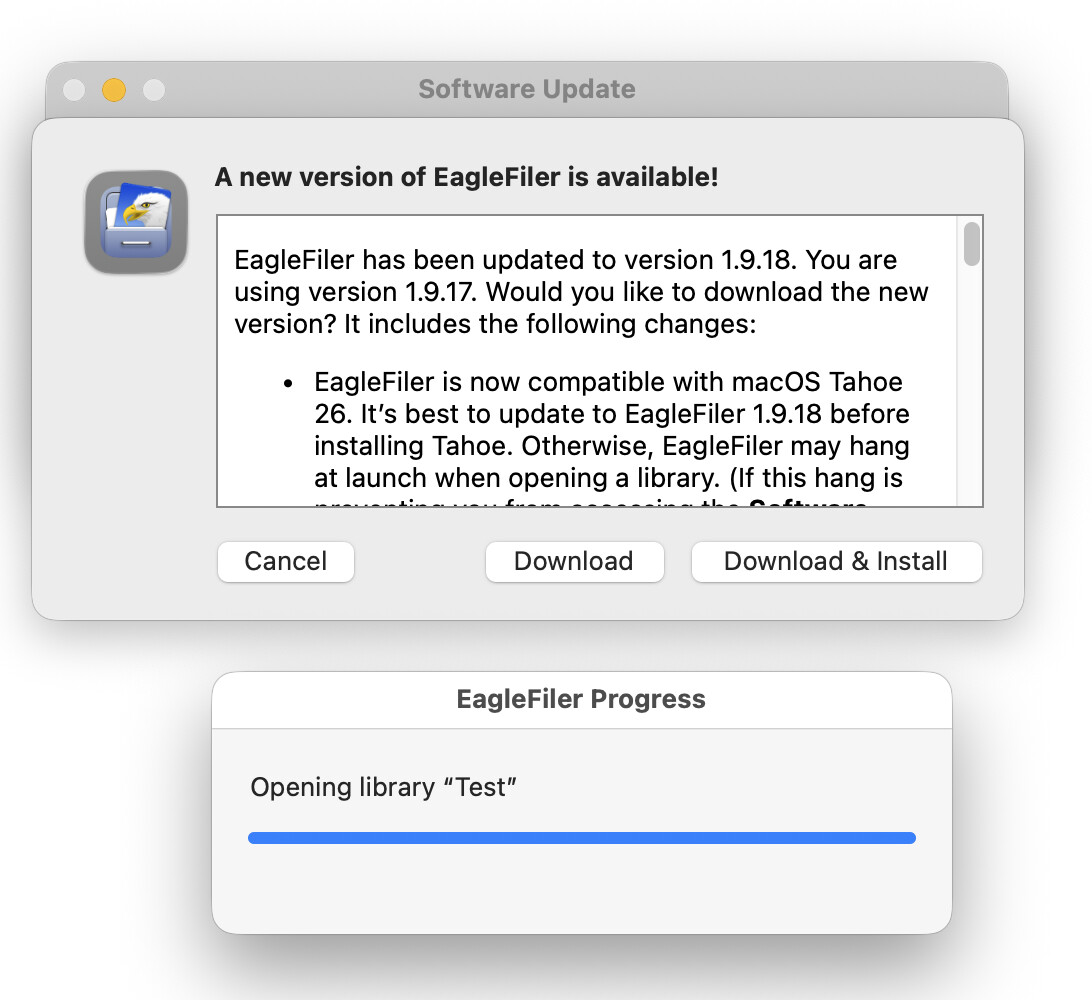
They’re blocking each other. That is, none of the update buttons were clickable (just got a beep.) And no way to dismiss the loading progress bar.
Dowloaded from web site to update. All is well.
They’re blocking each other. That is, none of the update buttons were clickable (just got a beep.) And no way to dismiss the loading progress bar.
Dowloaded from web site to update. All is well.
EagleFiler 1.9.17 and earlier will hang when opening a library on macOS Tahoe 26. You can hold down the Shift key when launching the old version of EagleFiler to prevent it from re-opening any libraries so that you can do the software update to EagleFiler 1.9.18.
Yes, you can also directly download and install the new version.