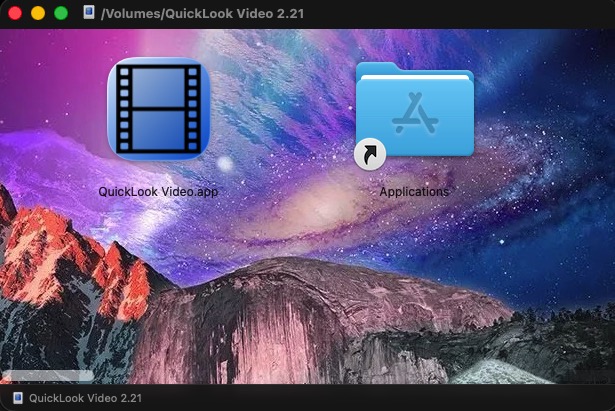
For some unknown reason own reasons, I am unable to get a custom image and layout to build into a DMG I create with DropDMG.
I have tried completely removing the apps and using the instructions through terminal I found on your site as well as the subfolder structure for DropDMG in the library folder.
I am kinda at loss as to what else to do to get this working?
There are no reported issues with this feature, so I don’t know what would be causing this. Is any error reported? Does the .dmg look correct in other respects?
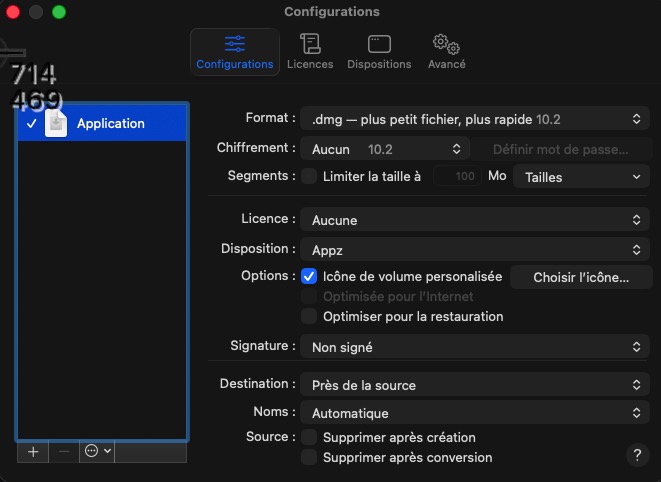
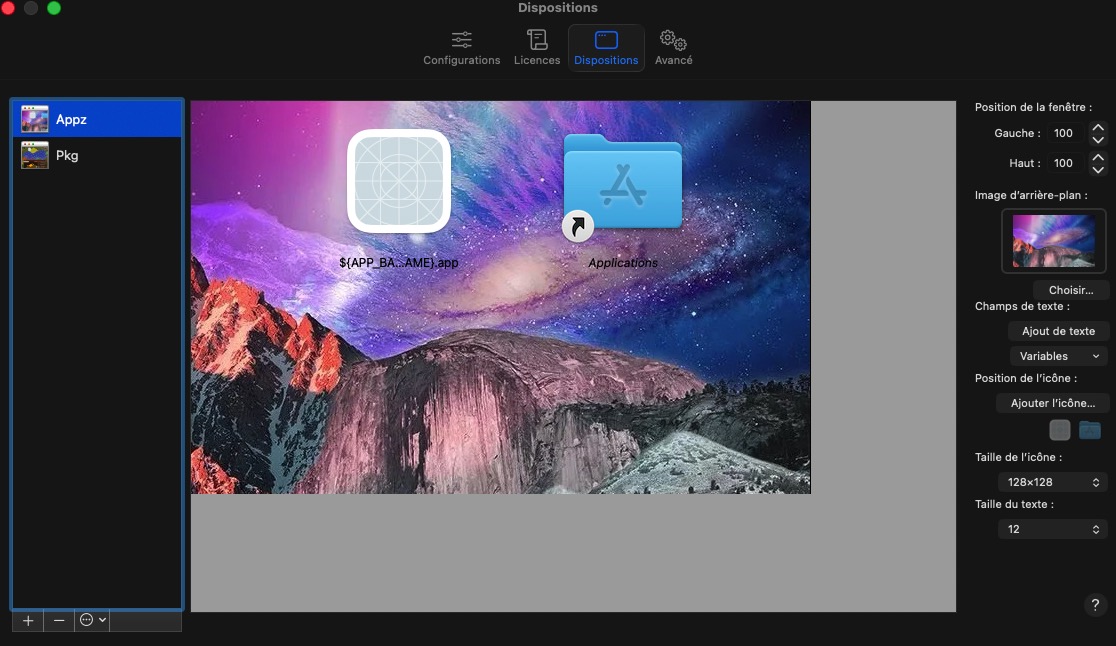
Could you share some screenshots (either here or via private message) showing what settings you are using and what the resulting .dmg looks like?
I have used multiple different compression type and strength from default.
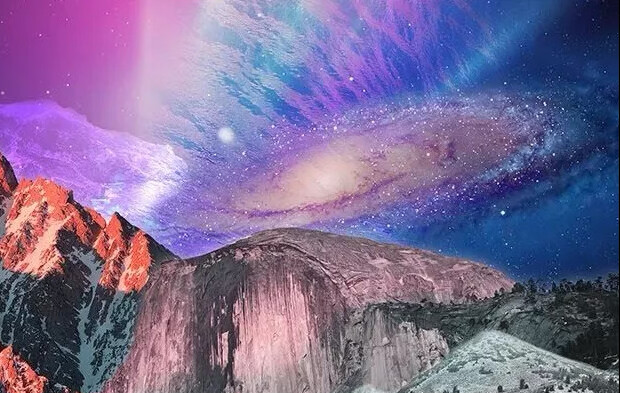
I have used multiple .JPG or .PNG
It behaves as is if you opened a folder in finder that had no options set, even the positioning of the icons or size goes to the top left alignment.
Same settings exactly pointing to the same graphic file on one Mac it works on the other Mac it does not.
I have also gone though the user folder with sudo chown user:staff …
Its like those presentation option in finder being stuck no setting and absolutely keeping it across the board, I do have specific folder options for different folders etc on my system but those remain.
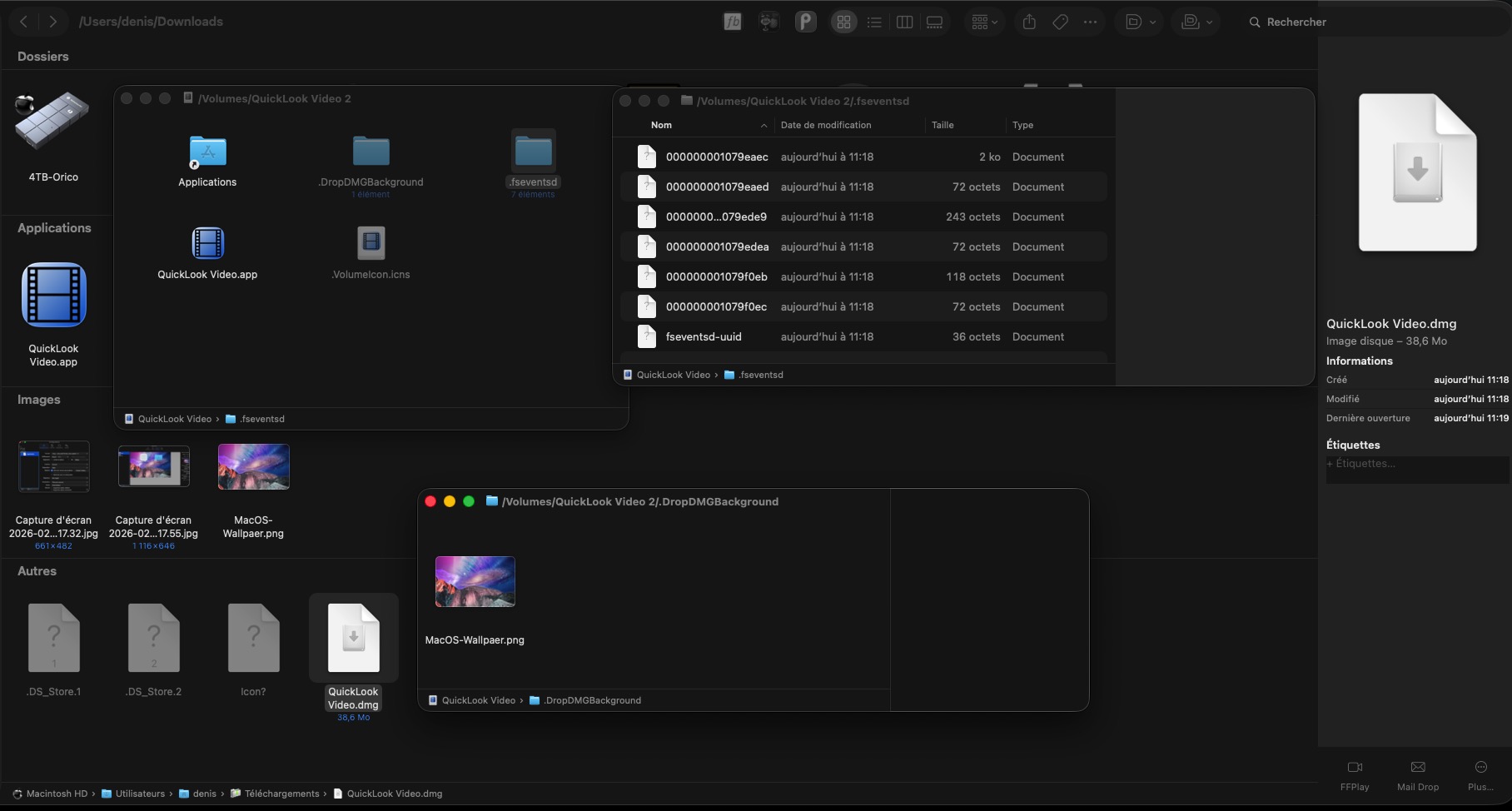
When I show hidden files inside the .DMG file I can see a folder with special files.
I have no idea where to look as to what could be causing this.
I have also went inside safe mode and same behavior.
I am wondering if there is anything I can do to truly completely remove any traces of it on the system and try again.
I have tried DMG Canva, and icon positions and background image do remain…
Something when it creates it is blocking any custom arrangements from going inside the DMG file.
The DMG files themselves are perfectly fine for uncompressing and extracting its content.
The DMG file created on second Mac on which it works shows the customization and background properly on the Mac which is not able to create that file with those customisations!
Please click here to enable some extra debug logging, then try making your .dmg again, and if the layout doesn’t look right please send in a diagnostic report.
I put in a few screenshots here, one of the DMG file itself, I activated show hidden files, in order to see everything, it seems the config files and the actual PNG is also going into the DMG
I did not change any compression, started from default and those are only settings I created after completely flushing the app and all its related files everywhere.
The same setting on secondary Mac does have the DMG created on that other Mac file looks as intended on the Mac which refuses to create and show it properly.
I first completely uninstalled and cleaned up the apps files and auxiliary files, and activated that extra debug link you posted in your previous message.
I created the disposition settings and did one .DMG creation, so the log and debug log should be as lean as can be.
Thanks for the report. It looks like the background picture and icon positions are being set without error, and Finder is reporting the correct values back to DropDMG. Finder then saved the view options into a .DS_Store file which did not previously exist. So this all looks good.
Another thing you could try is clicking here to tell DropDMG to remount the .dmg after creating it and check the view options again in case they weren’t properly saved to disk.