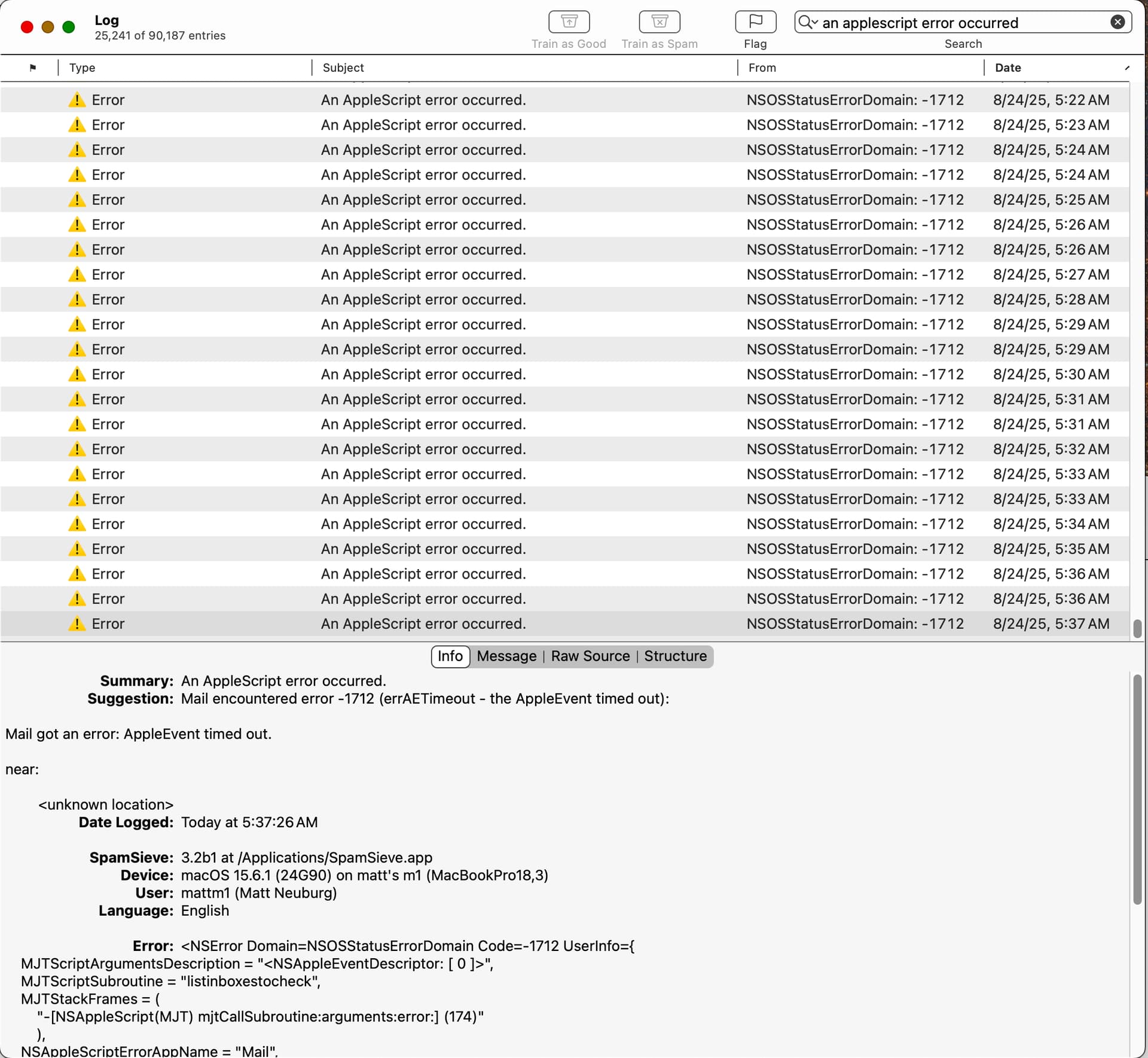
As you can see, when SpamSieve is having a bad day, these pile up at the rate of one or two a minute. Might be worth checking your log and cleaning them out from time to time.
There are also about 200 other errors listed in my log but they are not shown in the above search.
On a related note, it would be really nice if the log window listings were sortable by clicking a column header (other than Date which already lets you do this) or if one could search by column. Actually finding errors is remarkably difficult, because crudely searching on “error” nets you lots of listings that are not error listings.
This error may prevent filtering from working, as it indicates that Mail was unable to tell SpamSieve which inbox mailboxes were available. If the inboxes had been previously loaded on this launch, SpamSieve may be able to continue working using old, cached data. It’s unclear what would be causing this. Mail generally reports timeout errors when it’s overloaded with other activity. Restarting SpamSieve and/or Mail may help.
Yes, a future version of SpamSieve will auto-prune old log entries. For now, you can select and manually delete them if you want.
Other sorts are probably not going to be possible for performance reasons, but I’m planning a way to filter by log entry type (error, prediction, training, etc.).
That doesn’t seem to be happening much for me. Do you mean that you have lots of e-mails with the word “error” in the subject?
Sure, it’s just chance. At the moment I’ve got 517 log entries that come up when I search on “Error”, and as far as I can tell from a quick scroll, none of them is an error. They have “error” in the subject, mostly. Nothing wrong with that (they are all perfectly legitimate log entries), but it shows you a reason why I’d like to be able to do a more fine-tuned search. Don’t get me wrong, the search we have is good, I’m just hoping it can be a little better.
Just carrying on with this thread: I have another 600 of these -1712 AppleScript error log entries today. I’ll just carry on checking every day and removing them until something changes at SpamSieve’s end.
Sounds good, I’ll do that, thanks. Only two of my four inboxes are actively in use so I wonder if the inactive ones give SpamSieve trouble? Anyway, I’ve now explicitly specified just the two that are in use.