My installation of SS 3.3 runs on macOS 12.7.6. using Apple Mail 16.0. SS is remarkably effective, and I am grateful for it.
I would like to use the “Move it to the Trash if the spam score is at least” setting as described in the SS Manual at Section 6.3.2.1 for an account which collects a lot of spam and no good messages. However, that setting is greyed out in the SS Settings Panel:
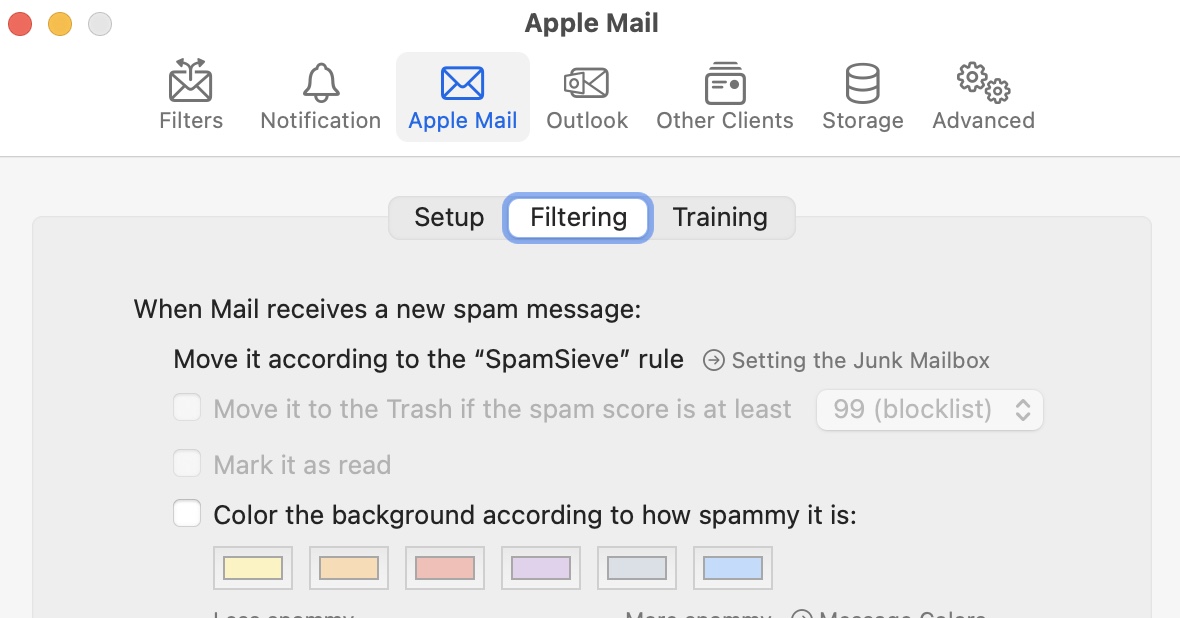
Have I missed something in the Manual or the setup? Is this feature not accessible when using the SS Extension?