As far as I can tell there is no reason for this. I don’t believe I have Gmail filtering anything. I would prefer for SpamSieve to process it not Gmail. The mail in question comes from audienhearing.com.
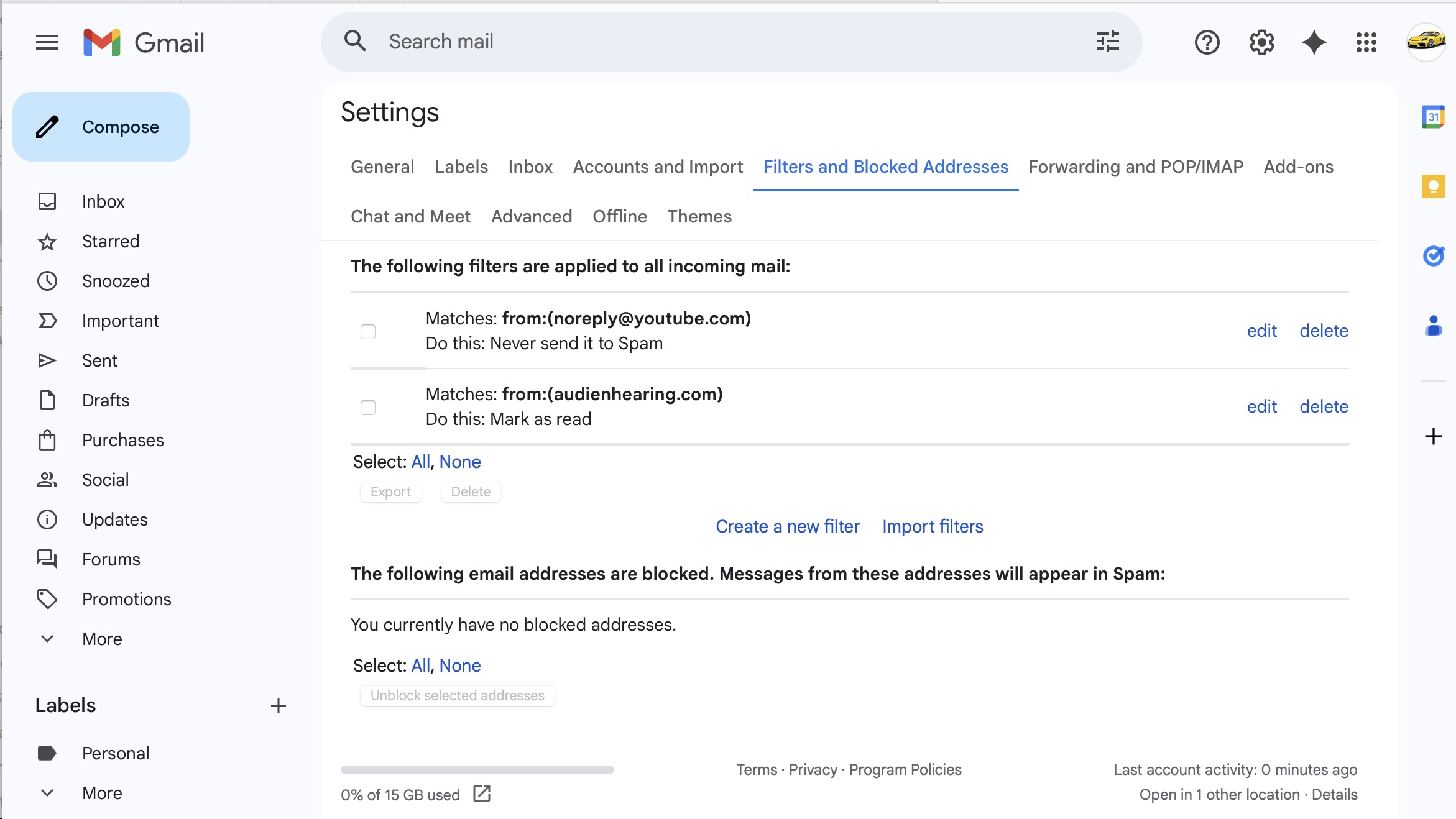
On looking at this again there are two filters I don’t recall ever creating. Not being checked I assumed they weren’t active but apparently checking them just marks them as read. I’m going to delete these and see if it solves my problem.
Gmail has a built-in spam filter that is always active, though you may be able to prevent it from moving messages to Junk as described here.
In Gmail, I think the checkmark is just a temporary indicator for if you are bulk exporting or deleting them. It’s not like in Apple Mail where it shows whether they’re active.
It does not look like they would cause the problem, but I certainly endorse deleting them if you don’t want what they are doing.
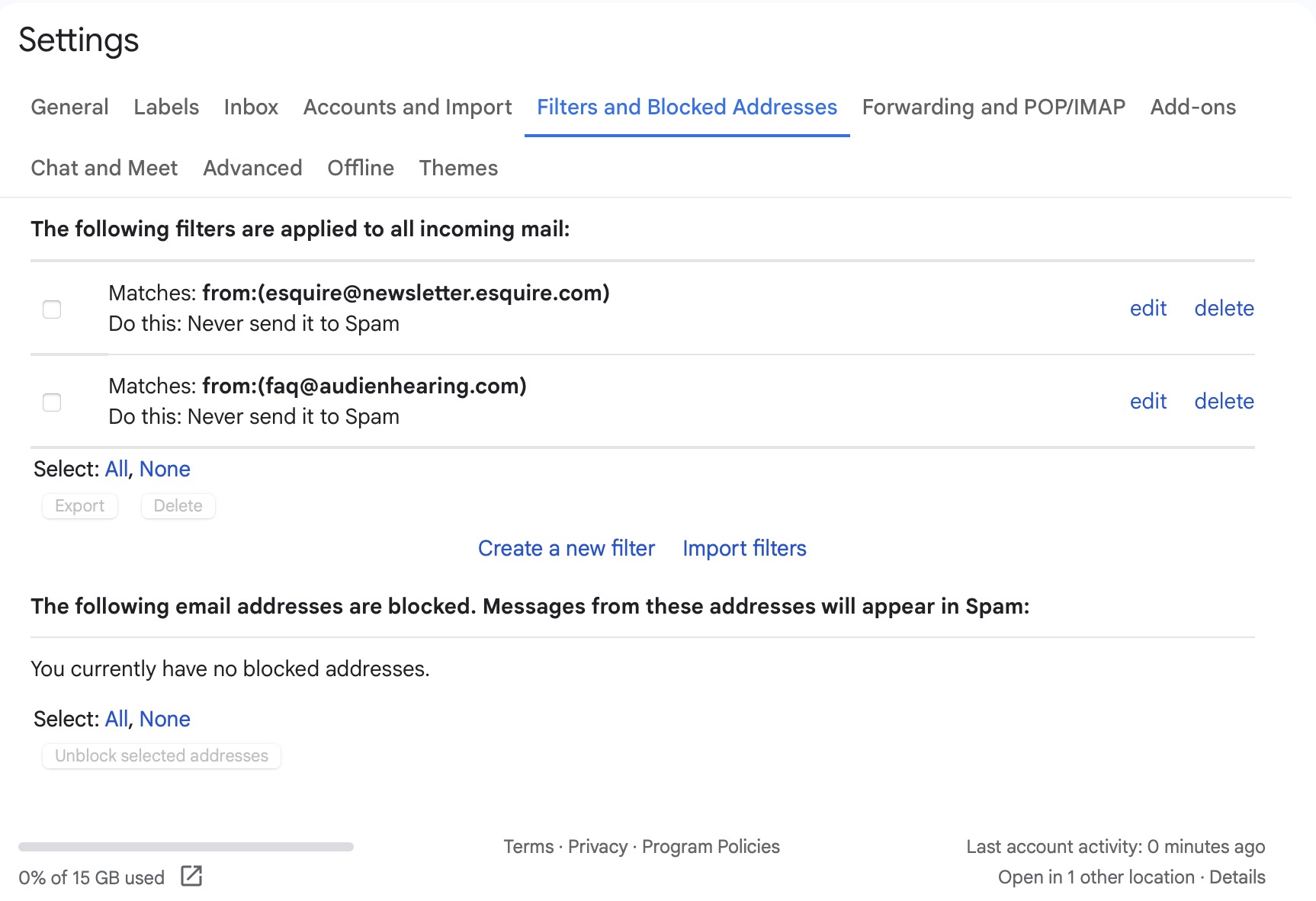
Well that didn’t work. This time I got two Gmail messages in junk. One from esquire@newsletter.esquire.com was marked as read. The other from faq@audienhearing.com was marked as unread. I rechecked Filters and Blocked Addresses in Gmail and this time there really wasn’t anything there so I have zero idea what is causing this. I think Gmail has some internal filters that I can’t see.
Based on some research it is possible to create a filter that NEVER spams stuff. I’m going to try it to see what happens. If it works I can mark it as spam from the inbox.
What did you do that didn’t work?
That’s what I was trying to tell you in the previous post.
I linked instructions for how to do this in the previous post.
I’m not sure what this is referring to. We’ve always recommended that you use the Train as Spam command on spam messages that are in the inbox.
Based on the method mentioned above I have been adding Gmail rules to NOT spam specific messages. I can then use SpamSieve to spam them and this seems to be working.
I’m glad to hear that’s working. If you get tired of adding specific Gmail rules, you could try setting it not to spam anything.
1 Like
I like that! Done!