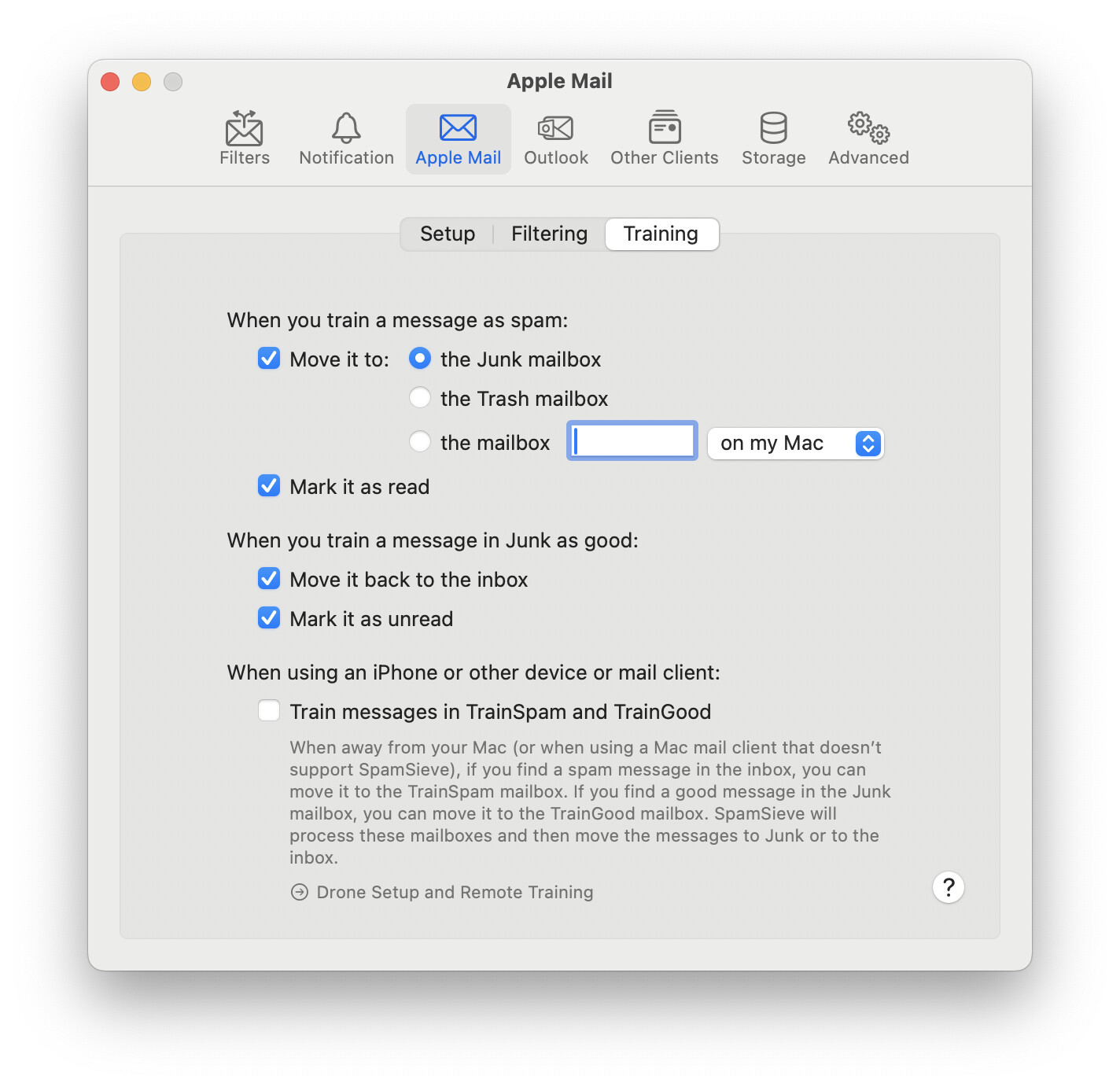
Using SSv3 now that I have upgraded to Sequoia I find that the messages that classified, both automatically and manually, as spam just disappear. They don’t appear in trash or Junk or Spam. In serttings I have the tic-box set for move to junk. I would like to see what has been moved out of the Inbox.
I found my own answer
What was the answer?
I have 4 different email addresses that AppleMail gathers for me from different domains. The mail host, HostPapa, has made things very confusing over the years and recently has added some folders that AppleMail has appended to the tab on the left which shows things like Favorites, Smart Mailboxes, and On My Mac. The added folders are for the server folders for each email domain. (i.e.: inbox, trash, spam, junk, deleted…) If those individual folders existed prior to my upgrade to Sequoia, I never looked for them because all of the mail that I dealt with was displayed in the various folders listed under “favorites,” at the top of the list.
When I expanded the list at the bottom for “cheryl@bakerstretinn.com” and saw that it contained the folders mentioned above, I drilled in and saw the missing spam and trash.
1 Like