I’ve been using SpamSieve with Apple Mail for as long as I can remember. After the initial training, all I’ve ever had to do is mark messages as spam when needed. It’s always worked so seamlessly that I’d almost forgotten what the SpamSieve interface even looks like.
Over the past few weeks, though, I’ve noticed that some messages from senders whose emails I’d previously marked as spam are no longer being caught by SpamSieve. Since it had always been so reliable, I decided to look into it. Usually, just a couple of clicks were enough to take care of everything.
Now, I’m not even sure what to try next, so I thought I’d ask here. Is there anything I can do to give SpamSieve a little “wake-up call” and get it working properly again?
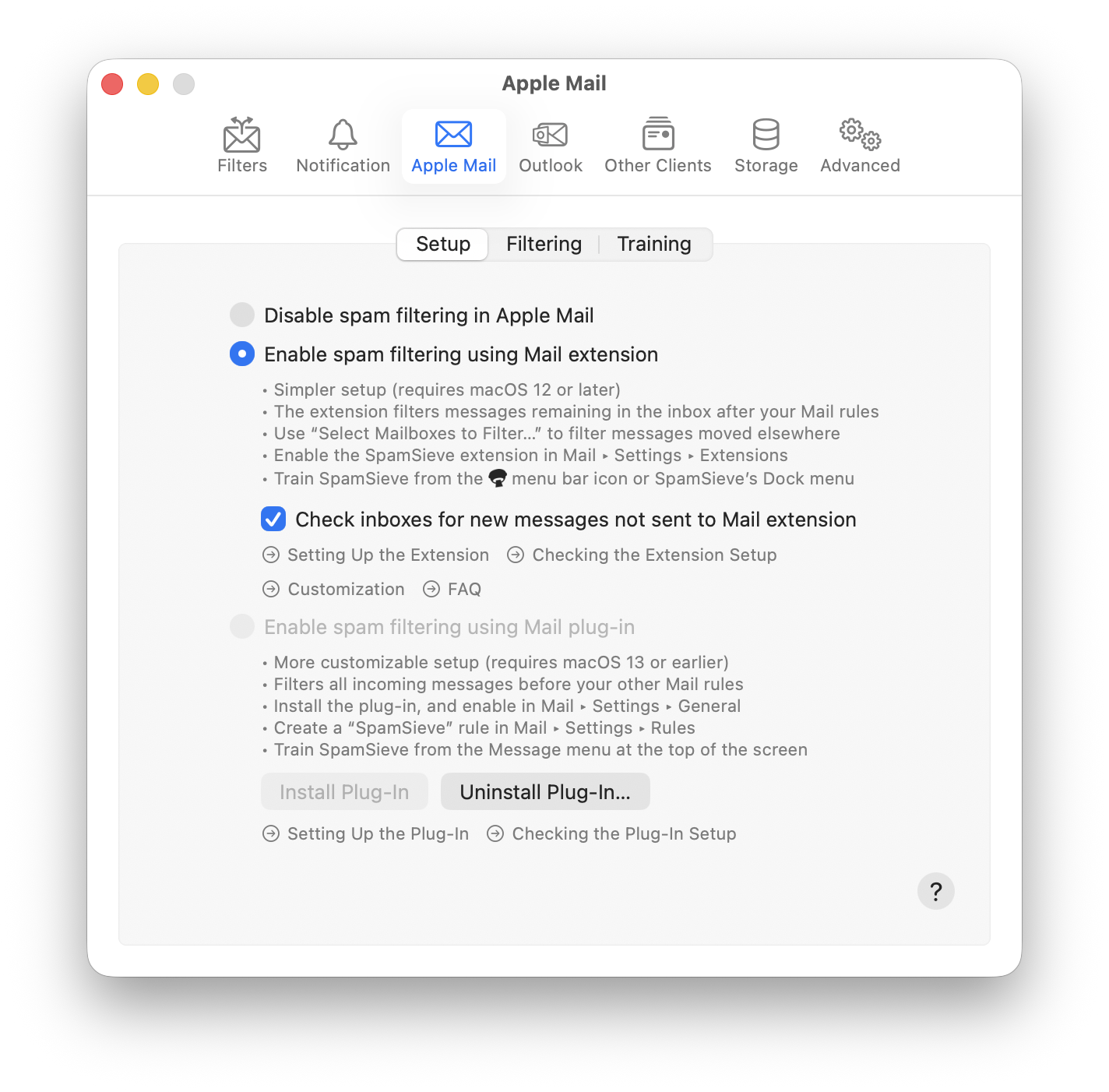
I’ve checked the setup, and everything looks good up to step 5. Now I’m waiting for a spam message to arrive so I can follow the steps outlined in step 6.
Two spam messages came in, and I followed the instructions in step 6, but SpamSieve didn’t do anything. The messages stayed where they were, and the log (Window: Log) shows no activity for today.
According to the instructions, my next step should be to send the Diagnostic Report to technical support. Should I post it here so we can continue troubleshooting, or is this now beyond the scope of the forum?
Thanks. The problem seems to be that at some point in the past your Mac’s clock was set to the future (2032). This makes SpamSieve see all the incoming messages as older than the last time it filtered, so it thinks they don’t need to be processed. You can reset it by unchecking and then checking Check inboxes for new messages not sent to Mail extension: