I’ve got SpamSieve running, but I’m not seeing any SS menu items or a menubar icon (which I don’t know if you still use).
Is this a case of a beta breaking something that SpamSieve needs in order to interface w/ Apple Mail?
Thanks!
I’ve got SpamSieve running, but I’m not seeing any SS menu items or a menubar icon (which I don’t know if you still use).
Is this a case of a beta breaking something that SpamSieve needs in order to interface w/ Apple Mail?
Thanks!
SpamSieve 3.2.2 is already compatible with the macOS 26.4 beta. If you don’t see the menu bar icon, please see this page.
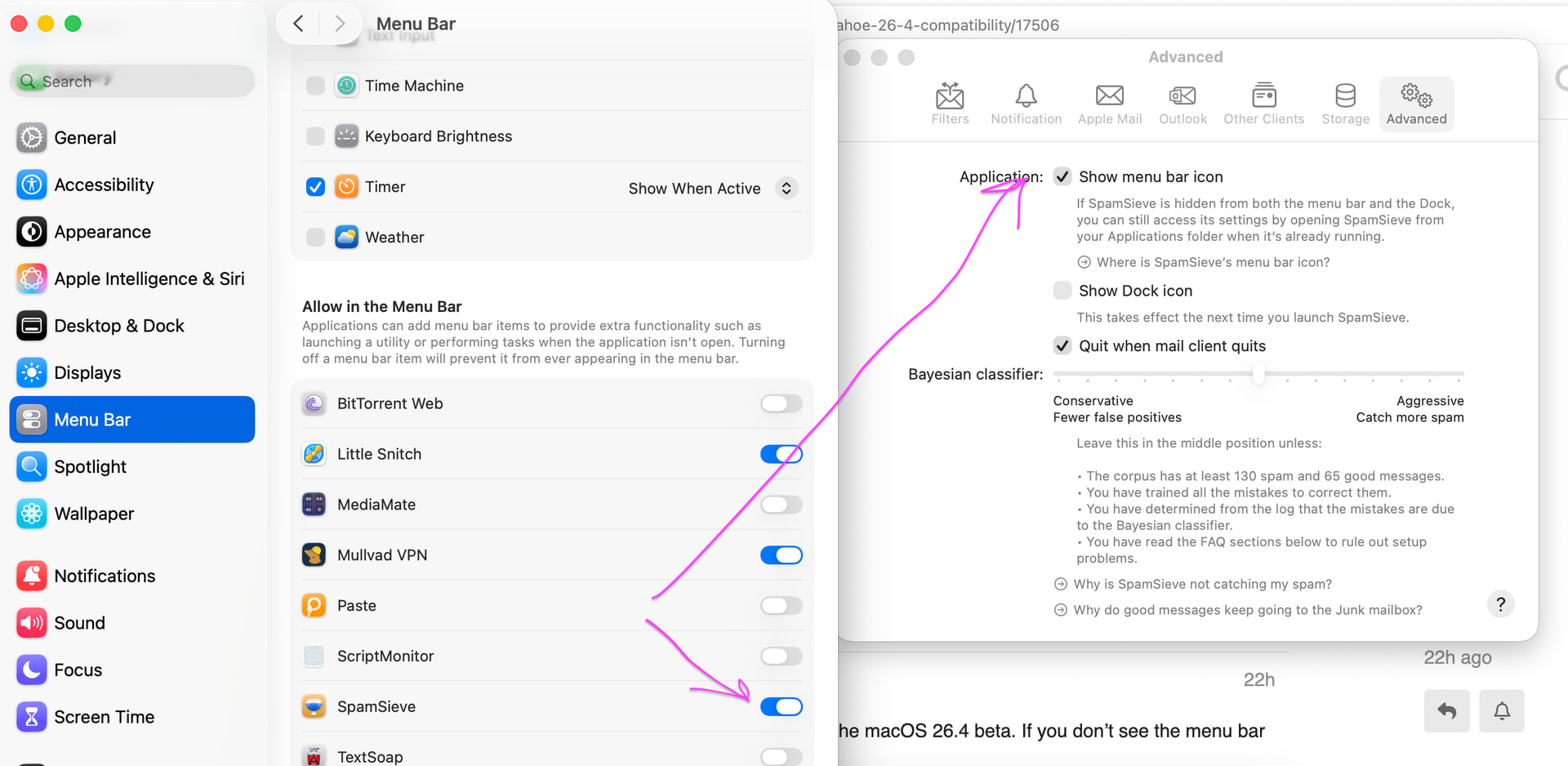
I turned off “Allow in Menu Bar” in System Settings > Menu Bar, but when I turned it back on, the menu bar icon does not come back. “Show menu bar” is ticked in SpamSieve prefs as shown in the enc screenshot. Mackbook Pro 14” 2021 running Tahoe 26.3
/ SpamSieve 3.2.2
Well… no joy. I know that SpamSieve is running (see it in Activity Monitor); when I go back to settings/Advanced, the menubar option is OFF, even though I enabled it before.
I even removed a couple of menu bar items, but the menu doesn’t show up…
Does it help if you toggle Show menu bar icon? Could you share a screenshot of your menu bar?
What happens if you turn that option on?
You could also click here to enable some extra debug logging, and then restart SpamSieve and save a diagnostic report so that we can see what’s happening on your Mac.
I feel like such a dummy. 
I didn’t realize that Tahoe has a MENU BAR pane, where you can turn on/off menubar items; I turned SS on there, then launched it, went into SS settings, re-enabled it, and it’s showing up.
User error.