I have .png screenshots that started out in Evernote. I imported the .enex into Eagle Filer and am curious why some ended up as RTF Document and some are Document and some are Image? They all display differently in Eagle Filer. Some records are only showing an icon, while other records show a thumbnail, while others show the image (which is my preference).
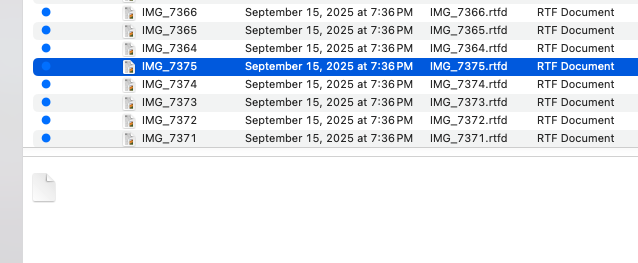
Evernote stores everything as a note, which is like a rich text document that can contain attachments such as images. EagleFiler supports both rich text documents and freestanding image files.
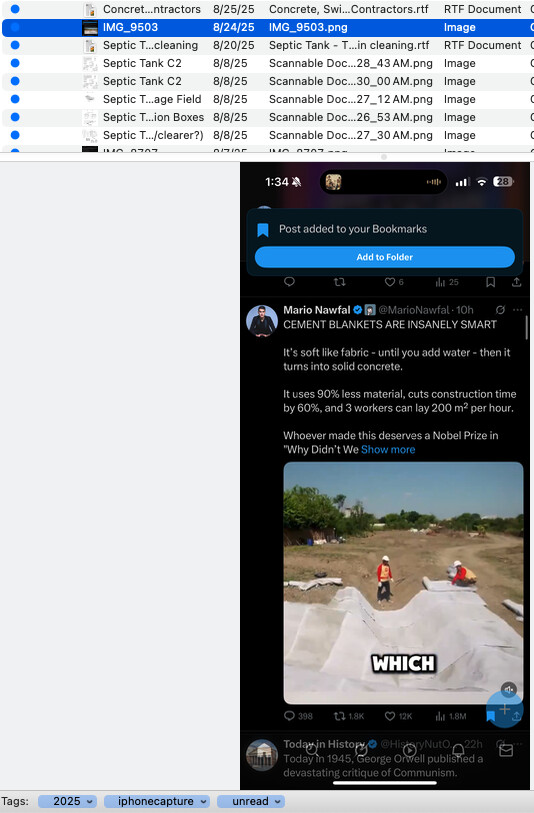
When importing from Evernote, if EagleFiler detects that a note has no text content (or just whitespace) it will extract the attachment and import it as a freestanding file (Image), so that you can view and work with it directly. If there is other text content, EagleFiler will import it as a rich text file with an attachment (RTF Document) to preserve whatever text you’d entered, too.
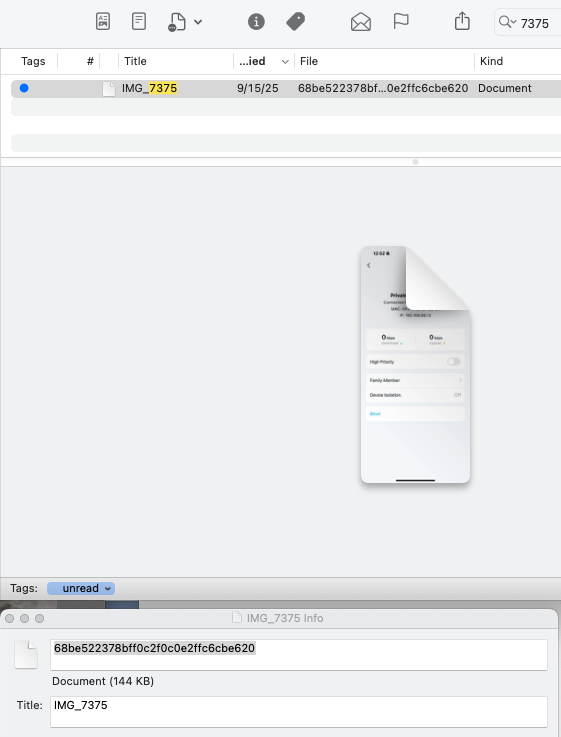
You normally wouldn’t end up with a plain Document, which is what happens when EagleFiler imports a freestanding file but doesn’t know what type of file it is.
Based on your screenshots, it looks like there’s something odd in your Evernote data, where the attachments are missing both the file extension (e.g. .png) and MIME type (e.g. image/png) so EagleFiler and macOS don’t know what kind of file they are. I think that’s why you’re getting just an icon (no thumbnail) for the attachments in the RTF as well as generic freestanding icons like for 68be522378bff0c2f0c0e2ffc6cbe620.
You may want to try cleaning things up in Evernote first—making sure there are filenames/types and removing extraneous text content so EagleFiler will import attachments as freestanding—and then import again.
Also, if you’d like to share an ENEX file (via private message) I can look into whether there’s a way to improve EagleFiler’s auto-detection.
Thanks for sending the ENEX files. These should import much better in the new beta version.